Studio Pro
Create or open your RB family account, register for available classes, view account information, and complete supported online payments.
Register, view your family account, and pay online through Studio Pro—or use RB’s verified Zelle QR code for an approved tuition payment.
Studio Pro is the primary path for registration and account-based payments. Zelle is available for payments already confirmed with RB.
Create or open your RB family account, register for available classes, view account information, and complete supported online payments.
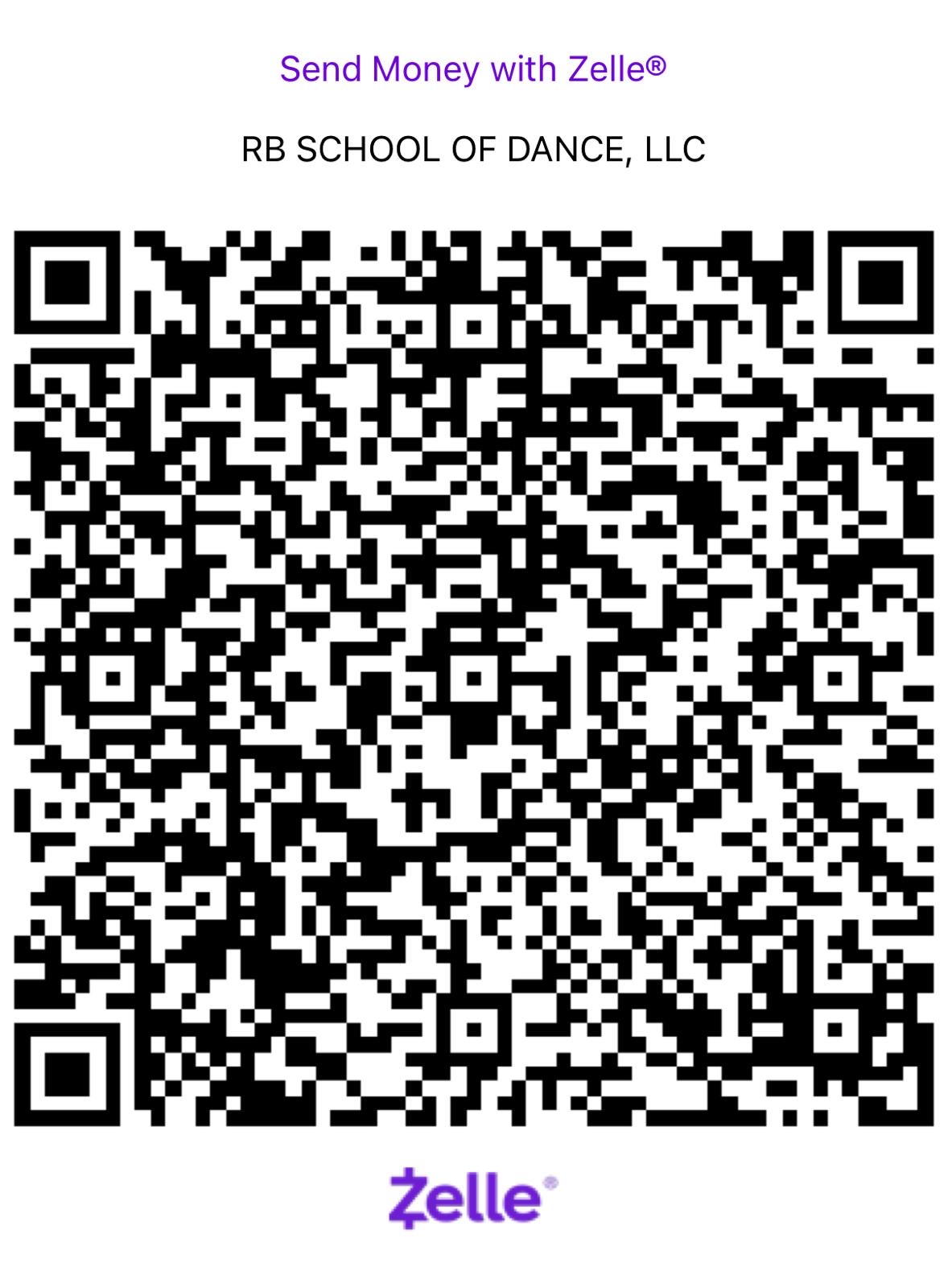
Zelle payments are handled in the family’s banking app. RB’s website does not receive bank credentials or card information.
Verify the amount and class with RB before paying.
Open Zelle in your banking app and scan RB’s QR code.
Confirm “RB SCHOOL OF DANCE, LLC” appears as the recipient.
Use RB’s requested memo and retain the bank confirmation.
This avoids asking families to re-enter registration information and makes it obvious which system owns each step.
For any uncertainty about class placement, tuition, credits, or payment status, contact RB before sending money.